Choosing the right PoE Ethernet switch is about more than port count. A compact office may need eight quiet, fanless ports, while a camera installation can demand a larger power budget and reliable operation in a warm cabinet. Buyers comparing PoE Ethernet Switches from China should check the exact PoE standard, total available wattage, per-port limits, uplink speed, and warranty terms. Datasheets matter. So does clear after-sales support.
One practical reminder: “Match the switch’s power budget to the devices you will actually connect, not just the number of ports.” This is an editorially written observation, not a verified quotation from a named expert; no source articles were supplied to confirm an expert quote. That distinction matters. A trustworthy comparison should identify test conditions and avoid treating marketing claims as independent verification. It should also separate managed models, with VLAN and monitoring controls, from plug-and-play units designed for simpler networks. Look closely at heat, surge protection, mounting options, and power-supply details. A low purchase price can hide trade-offs. Some specifications are easy to compare; long-term reliability is harder to judge without credible test data. This guide will examine leading options from China through those practical criteria, while noting where published information leaves questions unanswered.
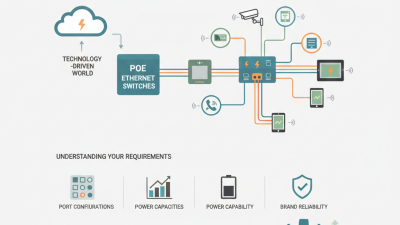
A PoE Ethernet switch carries electrical power and network data through the same Ethernet cable. It acts as the power sourcing equipment, while a camera or access point receives power as a powered device. Before supplying power, the switch checks for a compatible device signature and may classify its power needs. That check matters. It helps prevent power from being sent to ordinary Ethernet equipment that does not request it.
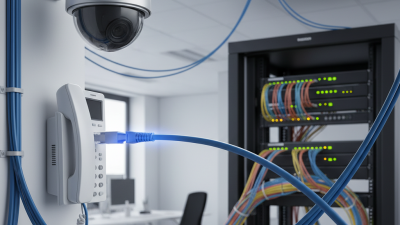
Data packets travel as Ethernet signals, while direct-current power is delivered over the cable’s twisted pairs. Depending on the PoE method, power uses spare pairs or shares pairs with data through common-mode signaling. The switch continues forwarding packets as it supplies power; the two functions happen together, not in alternating turns. A ceiling-mounted access point, for example, can receive both its network connection and operating power through one cable.
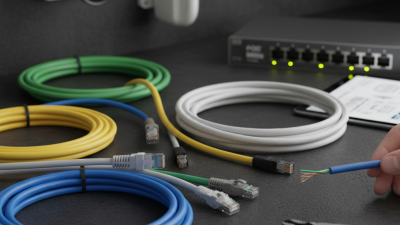
Keep this in mind. A port’s maximum output is not the same as the switch’s total available power. Several cameras starting at once can push the shared power budget close to its limit. Cable quality, terminations, and distance also affect reliable delivery. A tidy wiring diagram can make deployment look simpler than it is, so check device requirements and the switch’s aggregate power budget before connecting every port.
A strong Chinese PoE Ethernet switch combines stable power delivery, careful engineering, and practical field experience. According to MarketsandMarkets’ Power over Ethernet report, the market may grow from about USD 1.3 billion in 2023 to USD 2.7 billion by 2028. That growth raises expectations for safety and reliability.
The best models support IEEE 802.3af, IEEE 802.3at, and IEEE 802.3bt standards. Higher-power designs can supply up to 90 watts from the switch side. They suit cameras, wireless access points, intercoms, and compact displays. However, wattage alone proves little. During evaluation, check heat output, surge protection, port isolation, VLAN controls, and automatic recovery after overloads. A switch can look excellent in a showroom. Continuous testing tells a different story.
Tips: Request thermal test records, burn-in results, and port power measurements. Confirm whether the stated power budget applies to every port or the whole unit. Ask for certification documents and firmware update procedures. Lower cost is attractive, but I remain cautious when documentation feels incomplete. That concern is reasonable. A reliable supplier should explain component selection, inspection methods, and failure handling without vague claims. Small details matter, such as clear LED indicators, strong metal housing, and a power supply that does not become dangerously hot. Industry reports show demand, but real installations reveal the truth.
When comparing PoE switches, check the usable power budget, not just the advertised maximum per port. IEEE 802.3 standards specify up to 15.4 watts at the source for 802.3af, 30 watts for 802.3at, and 90 watts for 802.3bt Type 4. Devices receive less power after cable losses. A camera, access point, and door controller sharing one switch can quickly consume its budget. Leave headroom for startup peaks and future devices. Look beyond the label.
Port speed and uplink capacity matter, too. A switch with many gigabit ports may still bottleneck if its uplink is undersized. For busy video networks, compare switching capacity, VLAN support, QoS controls, and management options. Heat matters, too. Check the stated operating temperature and whether the switch uses fans; a warm, dusty cabinet can expose weaknesses that a desk test misses. Uptime Institute’s 2024 Annual Outage Analysis reported that 54% of respondents’ most recent significant outages cost more than $100,000. That is not PoE-specific, but it reinforces the value of checking power redundancy, surge protection, and monitoring. I would still verify performance under a realistic load; datasheets rarely show the whole story.
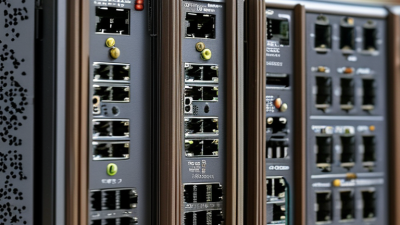
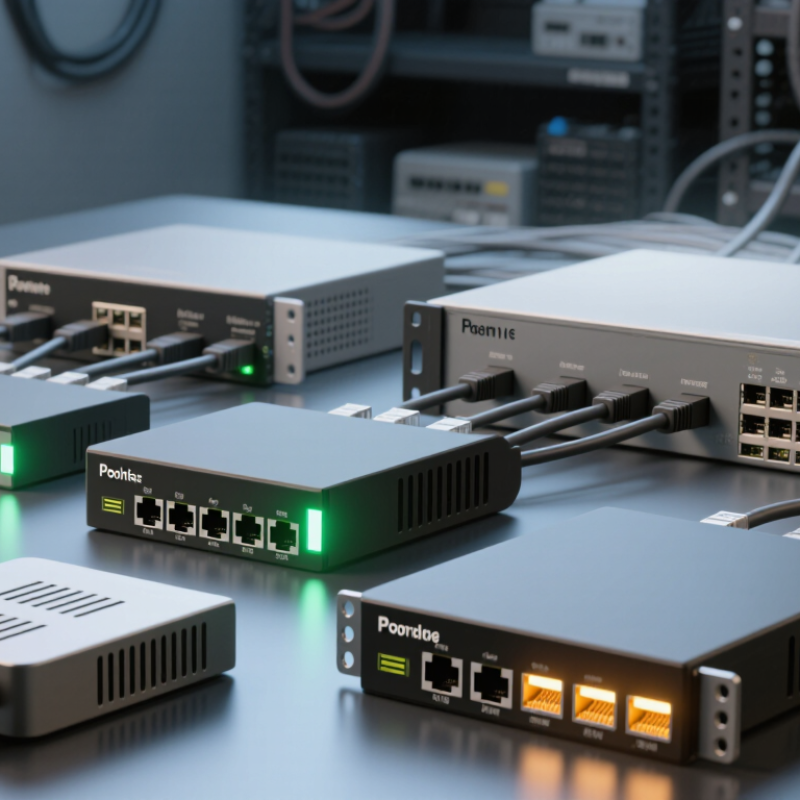
Notable PoE Ethernet switches from Chinese manufacturers span compact desktop units, rack-mounted managed models, and rugged industrial designs. The right choice depends less on headline port counts than on the devices connected. A small camera installation may need eight PoE ports and quiet, fanless operation. A hotel or office network may benefit from VLAN support, link aggregation, and clear traffic monitoring. Check the total PoE budget, not just the per-port rating; a switch can have enough ports yet run short when several access points draw power together.
For outdoor cabinets or factory floors, metal housings, wider operating-temperature ranges, and surge protection deserve close review. Ask for tested power figures and exact temperature limits instead of relying on broad product labels. Managed models offer useful controls, but their menus can be uneven, and documentation sometimes leaves gaps. That matters during a late-night fault. Look for a readable interface, firmware notes, and accessible technical support before deployment. Also verify uplink speed and whether the stated PoE standard matches your endpoints. Small details matter. I would test one unit with the actual cameras or access points before ordering a full batch; specifications rarely reveal every compatibility wrinkle.
What Are the Top PoE Ethernet Switches from China?
How to Choose a PoE Switch for Your Network
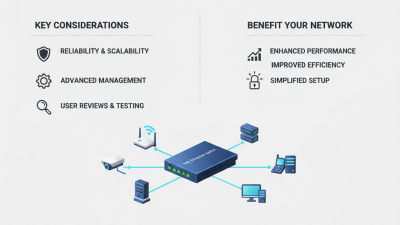
Start with the devices you need to power: cameras, wireless access points, or desk phones. Count them, then check each device’s PoE standard and maximum wattage. The switch’s total power budget matters as much as its port count. Leave some spare capacity for future devices; a fully loaded switch can limit your options later. Small details matter.
Next, consider where the switch will sit and how it connects to your network. A quiet, fanless model may suit a small office, while a rack-mounted switch may fit a server room. Check uplink speed, management features, and VLAN support against your actual network needs. Managed switches offer more control, but they also take time to configure. A short trial with your devices can reveal compatibility issues before installation.
Tips: Compare the stated PoE budget with real device demands, not just port labels. Check cooling, warranty terms, and technical support availability. Keep a little headroom, even if it means choosing a model with more capacity than you need today. It is easy to underestimate future growth.