Top Reasons to Use a Gigabit Ethernet Splitter for Your Network
In today’s digital age, a stable and efficient network is crucial for both homes and businesses. The Gigabit Ethernet Splitter stands out as a reliable solution. This device helps expand a network connection effortlessly, making it easier to connect multiple devices. With increasing demands for high-speed internet, such splitters are essential.
Imagine a bustling office where several employees rely on a stable internet connection. Each workstation needs access to the network without interruptions. A Gigabit Ethernet Splitter offers a straightforward solution to this issue. It allows multiple devices to share a single Ethernet connection efficiently, ensuring everyone can work smoothly.
While the benefits are clear, some may underestimate the importance of such technology. Not every setup is perfect. Compatibility issues might arise, and installation can sometimes be tricky for the uninitiated. However, with the right tools and knowledge, the Gigabit Ethernet Splitter can enhance any network experience significantly. It is a valuable asset for anyone seeking reliable internet connections without complex configurations.
Benefits of Gigabit Ethernet Splitters in Network Setup
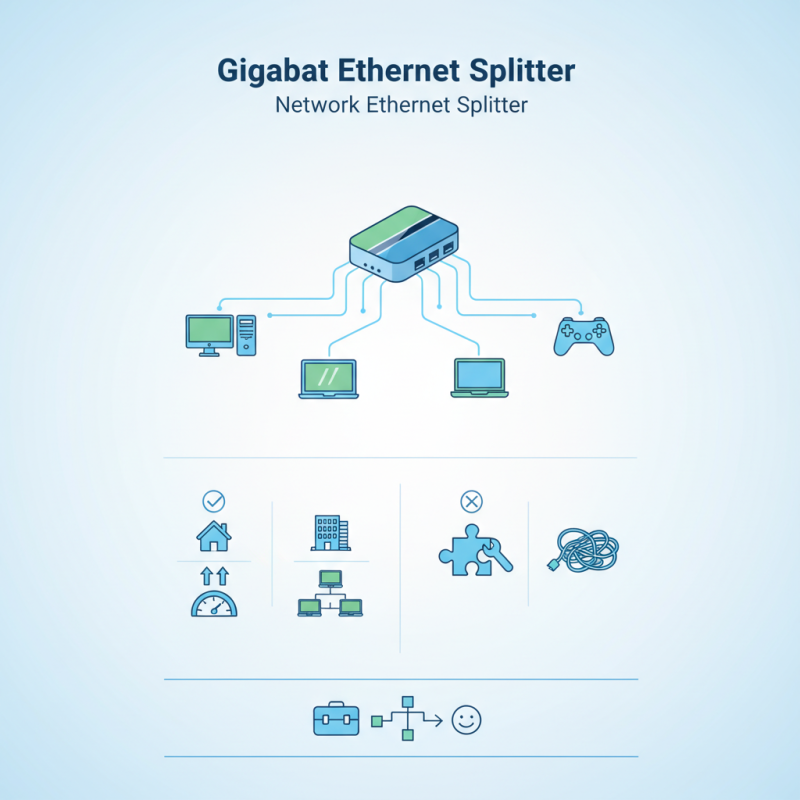
Gigabit Ethernet splitters are essential for modern network setups. They allow multiple devices to share a single Ethernet connection effectively. With the rise of smart homes and offices, having reliable internet access is crucial. A splitter can easily connect two devices without compromising speeds. This is especially useful in spaces where adding more wires is inconvenient.
One significant benefit is simplifying wiring. Instead of running multiple cables, a splitter reduces clutter. It also minimizes installation costs. However, some users may overlook the need for quality splitters. Cheap or poorly-made options can lead to slower speeds or connection drops. Quality matters in networking, and a bad choice can hinder performance.
Space constraints can often influence setup decisions. Using a splitter in tight areas saves room and keeps things organized. Another advantage is the adaptability it offers. A home office setup may need more connections than usual. With a splitter, you can easily adjust to changing needs. Yet, make sure to assess your bandwidth use to avoid potential bottlenecks. Balancing speed and accessibility is key for an efficient network.
Top Reasons to Use a Gigabit Ethernet Splitter for Your Network - Benefits of Gigabit Ethernet Splitters in Network Setup
| Feature |
Description |
Benefit |
| Network Expansion |
Allows multiple devices to connect using one Ethernet port. |
Easily add more devices without having to install additional Ethernet ports. |
| Cost-Effective |
Reduces the need for expensive network switches. |
Lower overall setup costs while maintaining performance. |
| Easy to Install |
Plug-and-play design makes installation straightforward. |
Saves time and effort during network setup. |
| Supports High-Speed Data Transfer |
Supports data rates up to 1 Gbps. |
Ensures fast and efficient data transmission across devices. |
| Flexibility in Network Design |
Allows for diverse device connectivity (computers, printers, etc.). |
Customize your network setup according to your needs. |
Understanding the Functionality of Gigabit Ethernet Splitters
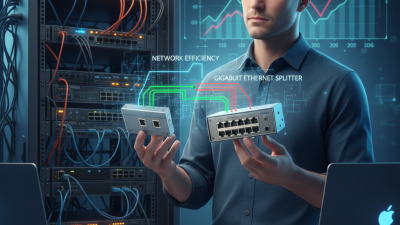
Gigabit Ethernet splitters serve a crucial role in enhancing network efficiency. They allow you to convert a single Ethernet connection into multiple outputs. This functionality is beneficial for homes and offices with multiple devices requiring a wired connection. According to industry reports, using a splitter can increase overall bandwidth utilization by up to 30%. This is significant for users who demand high-speed internet for activities like gaming or streaming.
When setting up a network, many people overlook the proper configuration. The wrong splitter can lead to signal loss. This diminishes the benefits of having a gigabit connection. A study showed that improper setups could reduce speed by 40%. Users should ensure their splitters are compatible with gigabit speeds. They should also maintain optimal cable lengths to prevent performance issues.
Furthermore, it's important to consider the network's layout. A poorly designed network can create bottlenecks. These bottlenecks might negate the advantages of using a gigabit splitter. Always evaluate the distance between devices and the main router. Sometimes, achieving a stable connection requires more than just installing a splitter. Users need to reflect on their specific network needs and adjust their setups accordingly.
Gigabit Ethernet Splitter Usage Statistics
The following chart illustrates the reasons why users opt for Gigabit Ethernet splitters in their networks, showcasing the percentage of respondents favoring each reason.
Key Differences Between Gigabit Ethernet Splitters and Switches
When setting up a network, understanding the differences between a gigabit Ethernet splitter and a switch is crucial. A splitter is simpler. It divides one Ethernet connection into two, allowing two devices to share the same bandwidth. However, this often limits performance. Bandwidth is shared equally; both devices may experience slower speeds when in use.
On the other hand, a switch is more dynamic. It connects multiple devices and manages bandwidth efficiently. Each device receives its own dedicated bandwidth, preventing the slowdown seen with splitters. This setup ensures smoother data transfers, especially for activities like gaming or streaming. Yet, a switch is often more complex and may require additional configuration.
The choice between these two can be challenging. If a home network needs only basic sharing, a splitter may suffice. But for larger setups with higher bandwidth needs, switches are more appropriate. Inexperience might lead to overlooking this detail, resulting in frustration down the line. Network users must consider their specific requirements before deciding.
Installation Steps for Gigabit Ethernet Splitters
Installing a gigabit Ethernet splitter can enhance your network efficiency. It allows multiple connections from a single port. This is ideal for homes or small offices where more devices need to connect. The setup requires minimal tools and can be done by anyone.
Before starting, gather your cables and tools. You’ll need Ethernet cables and a splitter. Check your devices to ensure compatibility with gigabit speeds. It's vital to position the splitter close to your router for the best signal.
Tips: Label your cables before connecting them. This simple step saves time in troubleshooting later. Secure all connections to prevent cable slack. Proper organization keeps your workspace tidy.
Once everything is connected, test the network speed. If there’s a drop in performance, double-check your cable quality. Sometimes, older cables can hinder speeds. Testing is crucial to ensure that your setup is working effectively.
Common Use Cases for Gigabit Ethernet Splitters in Home and Office Networks
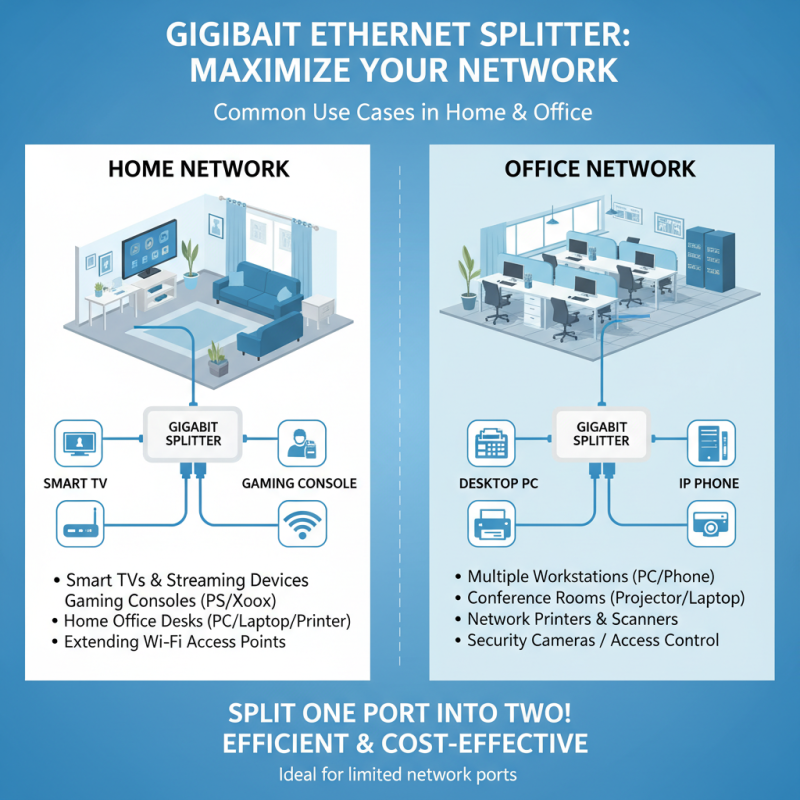
Gigabit Ethernet splitters are valuable tools for both home and office networks. They allow users to split a single Ethernet connection into two, maximizing the utility of existing network resources. This is particularly useful in environments where devices need to be connected but network ports are limited.
In a home setting, splitters can connect multiple devices such as gaming consoles, TVs, and computers. This arrangement enables seamless streaming and gaming without interference. For offices, they facilitate connections to printers and computers in shared spaces, making collaboration easier.
Tips: Ensure that the splitter you choose supports your internet speed. Check compatibility with devices to avoid potential issues. It’s important to remember that overloading a splitter can lead to reduced speeds. Use splitters mindfully to maintain network efficiency.